Local AI • Setup • Support

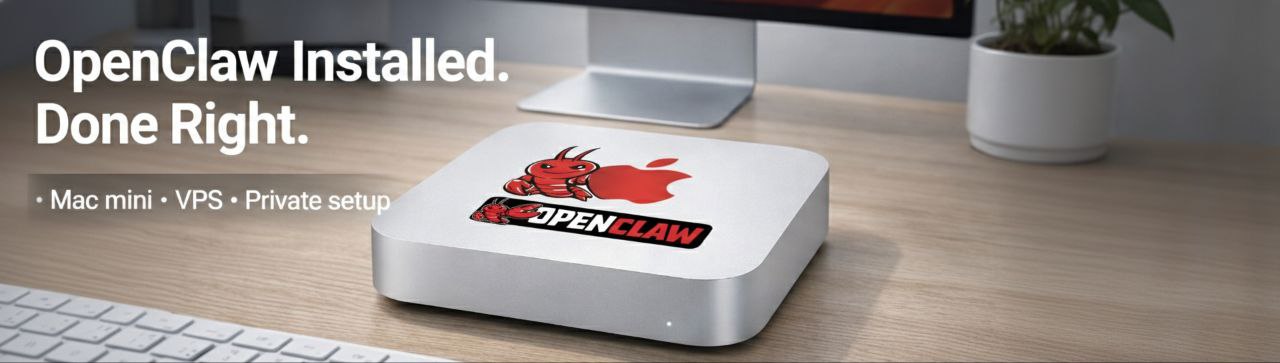
Your Mac becomes your AI assistant today — we handle the hard part.

Stop fighting install guides, terminal errors, and missing dependencies.

We install and configure OpenClaw so it actually works the first time. You leave with a working AI — not a tutorial.

Privacy-first setup
60–90 min typical
It just works

“I watched 4 tutorials and it still wouldn’t run. 90 minutes with you guys and it was answering my emails.”
OpenClaw on Mac
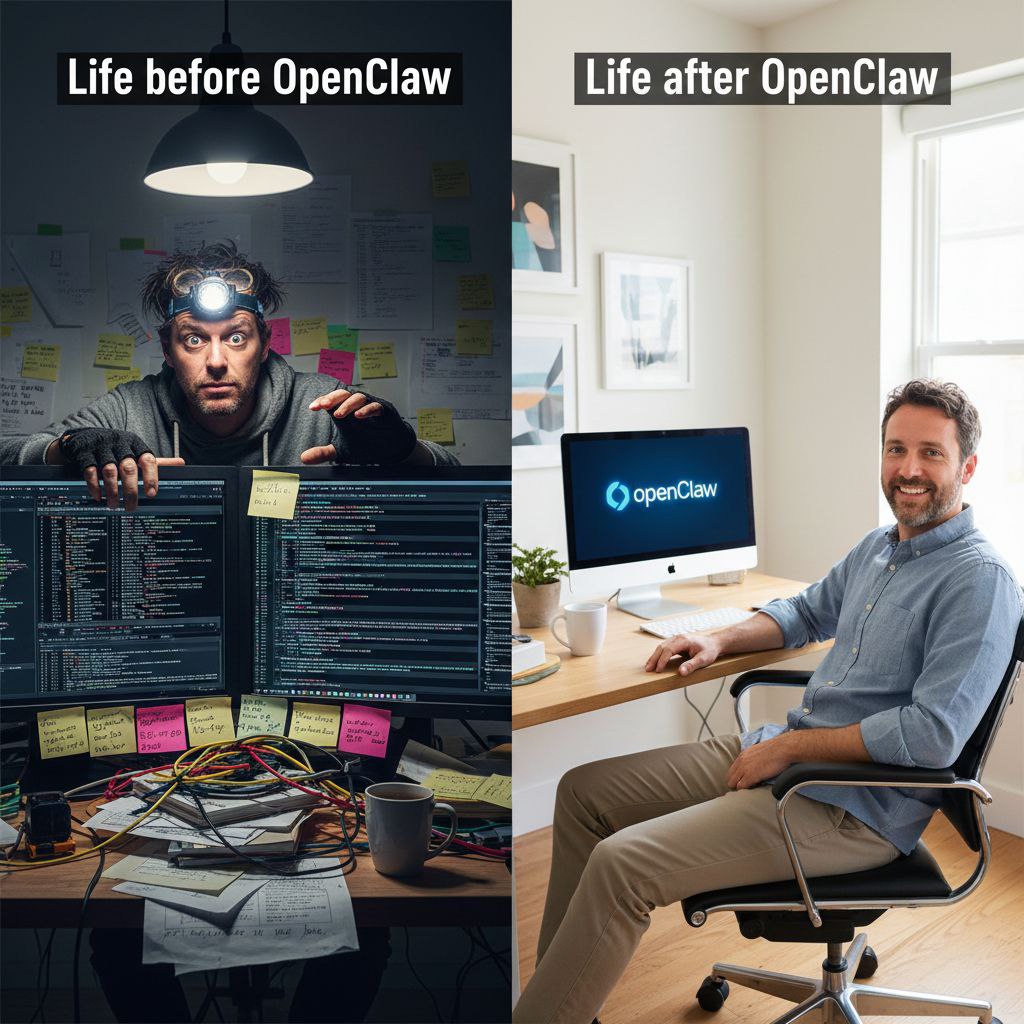
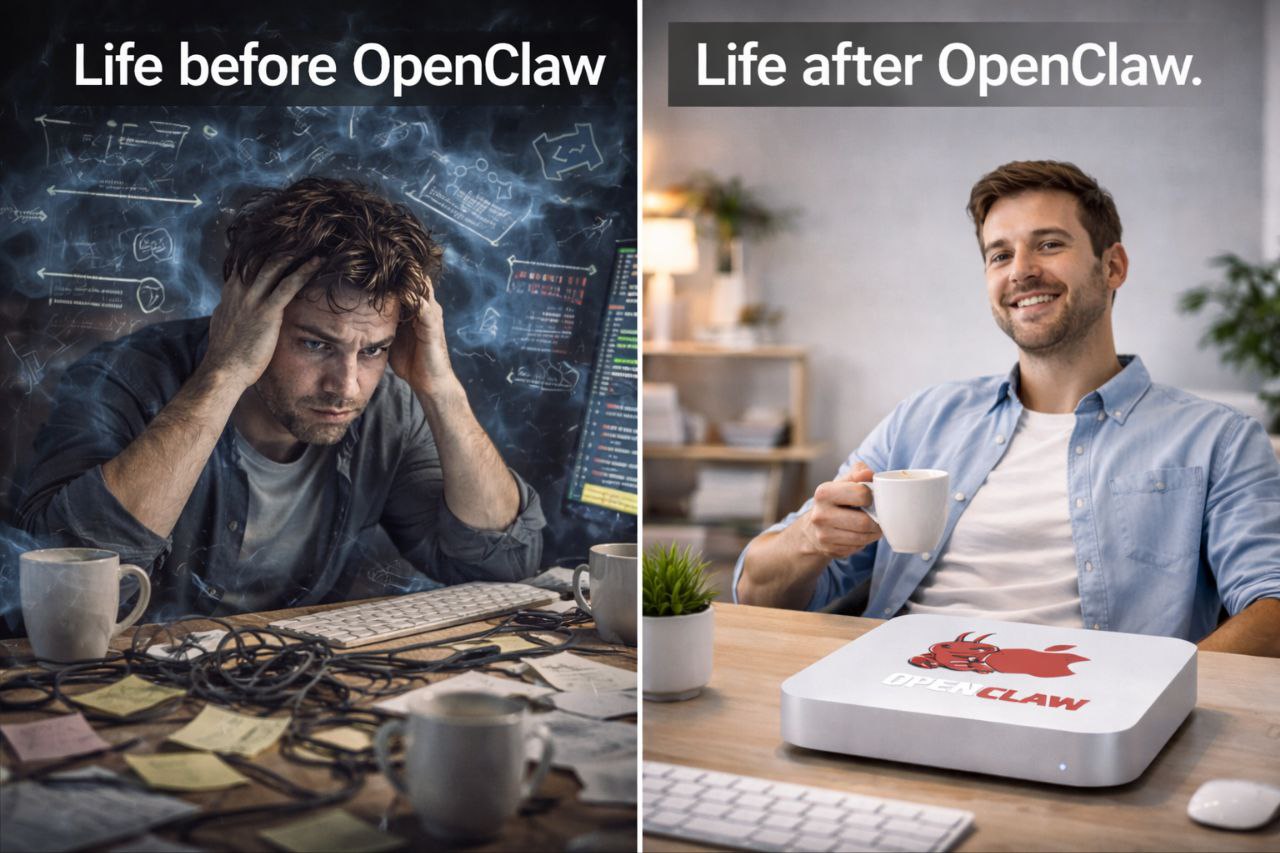
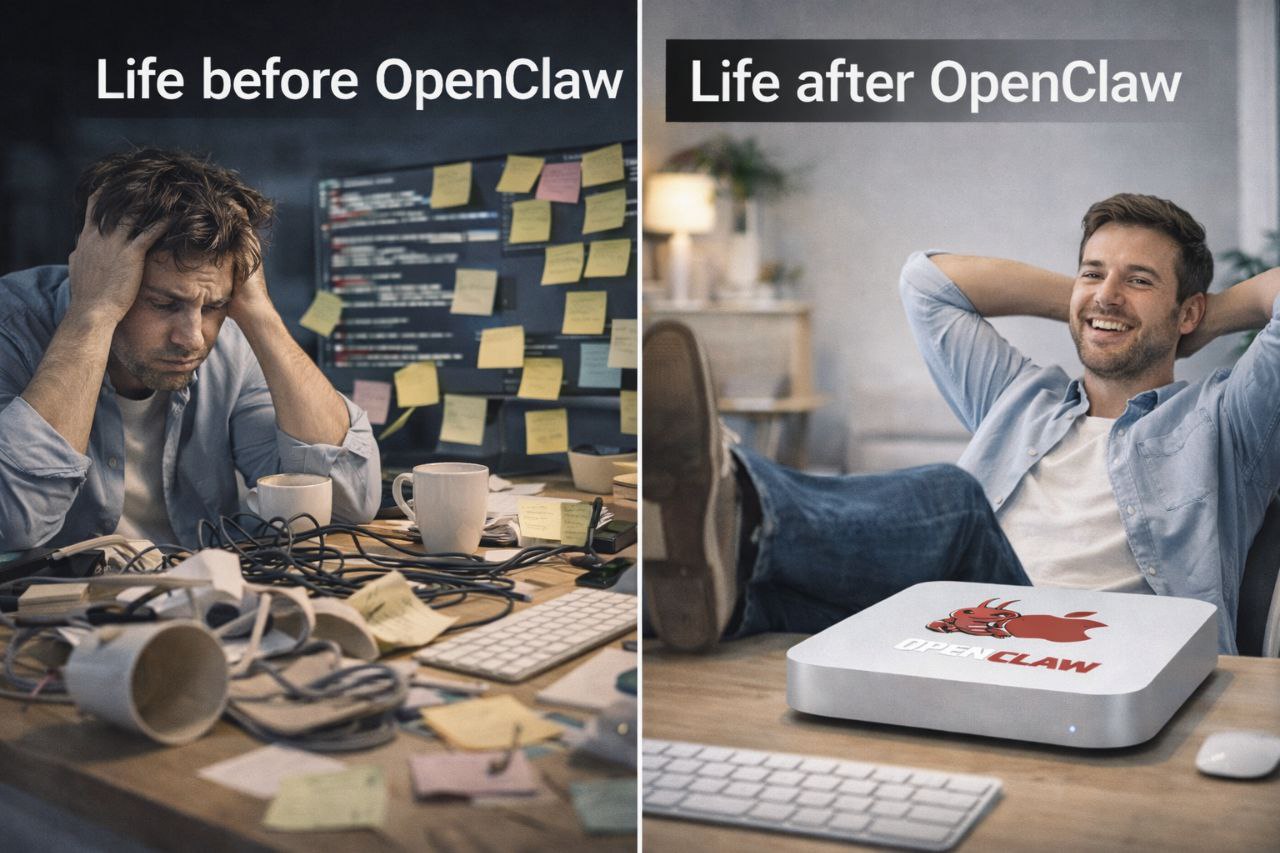
Life before and after OpenClaw — organized workflow

🔒 No data harvesting. No mystery scripts.

You keep control of your machine and your files.
👨‍💼 Local Founders
🎨 Creators
🏠 Real Estate
👥 Teams

"I went from 'why won't this run' to a working AI setup in one session."

JD
Jordan D.
Founder, Austin

"The workflows were the real win — email, research, and content all got faster."

MR
Morgan R.
Creator

"Setup felt secure. Clear boundaries on permissions and folders."

AK
Alex K.
Ops / IT

From frustration to flow (the "Geek Squad for AI" package)

Everything needed to go from zero → working OpenClaw on Mac.

Reliability

  • It launches every time you open it
  • No missing dependencies
  • Verified stable configuration

Privacy Boundaries

  • "Safe Zone" folder configuration
  • It won't spy on your files
  • The AI cannot see anything you don't explicitly allow

Workflow Pack

  • Prompt library tailored to your work
  • Templates: emails, briefs, proposals, summaries
  • Quick actions + hotkeys (where possible)

Support Included

  • 30-day support (fixes + updates)
  • 'Something broke' rescue
  • Optional monthly care plan

How it works

1

Pick your setup

Tell us your Mac model + what you want OpenClaw to do (workflows, tools, privacy level).

2

Install + tune

We install, configure, and verify everything works. Performance and permissions tuned.

3

Walkthrough + support

You get a quick training + your workflow pack. Then 30-day support for issues/updates.

What you walk away with:

  • ✅ OpenClaw running reliably
  • ✅ Models configured (local or cloud)
  • ✅ Safe folder rules + permission boundaries
  • ✅ Workflow pack installed
  • ✅ Support channel + quick documentation

Simple pricing

Most people spend 4–12 hours trying to install this themselves. This is completed in one visit.

Quick Install

$149 one-time

Get it working reliably today.

  • OpenClaw installed & running perfectly
  • AI launches and responds before we leave
  • Local or cloud model connected
  • Guaranteed working state
  • 7-day support
Book Quick Install
Most popular

Pro Setup

$299 one-time

Turn it into a daily habit.

  • Everything in Quick Install
  • Ready-to-use tasks: email, research, summaries
  • Safe file access you control (privacy tuned)
  • Faster response times (performance tuning)
  • 30-day support for updates/questions
Book Pro Setup

Team / Business

$799 starting

For teams & consistent workflows.

  • Multi-user install & setup
  • Shared templates for team consistency
  • Staff training & onboarding session
  • Automation options (Shortcuts / Zapier)†
  • Priority support channel

†Automation depends on your tool stack.

Talk to us

Remote setup available. On-site visits prioritized around Austin.

🔒 No access to your accounts required 📁 No copying your files ✅ Clear permission boundaries
🚀

Works even without a fast Mac

Some Macs are older or slower — that’s okay. 👍

If your computer isn’t a good fit for running the AI directly, we can set it up on a private remote computer instead.

  • You open it the same way and use it normally.
  • It still works with your files and daily tasks, but stays fast and responsive.
  • No complicated setup on your machine. No need to upgrade your computer.

This option is configured during setup — just mention your Mac model when booking.

Built for trust (privacy, reliability, sanity)

Privacy & permissions

We set up OpenClaw with the least access needed, define safe folders, and keep your sensitive areas off-limits by default.

  • Permission audit (screen/mic/files)
  • Safe folders + context rules
  • No credential storage by us

Performance tuning

We optimize your setup for speed and stability, including model choice (local vs cloud) and resource settings.

  • Hardware-aware configuration
  • Startup reliability checks
  • Update-safe setup patterns

Workflows > features

Most AI tools fail because the workflow isn't real. We install templates and patterns you'll actually use daily.

  • Email + proposal templates
  • Research → notes → output pipeline
  • Content repurposing starter pack

DIY vs OpenClaw Mac (done-for-you)

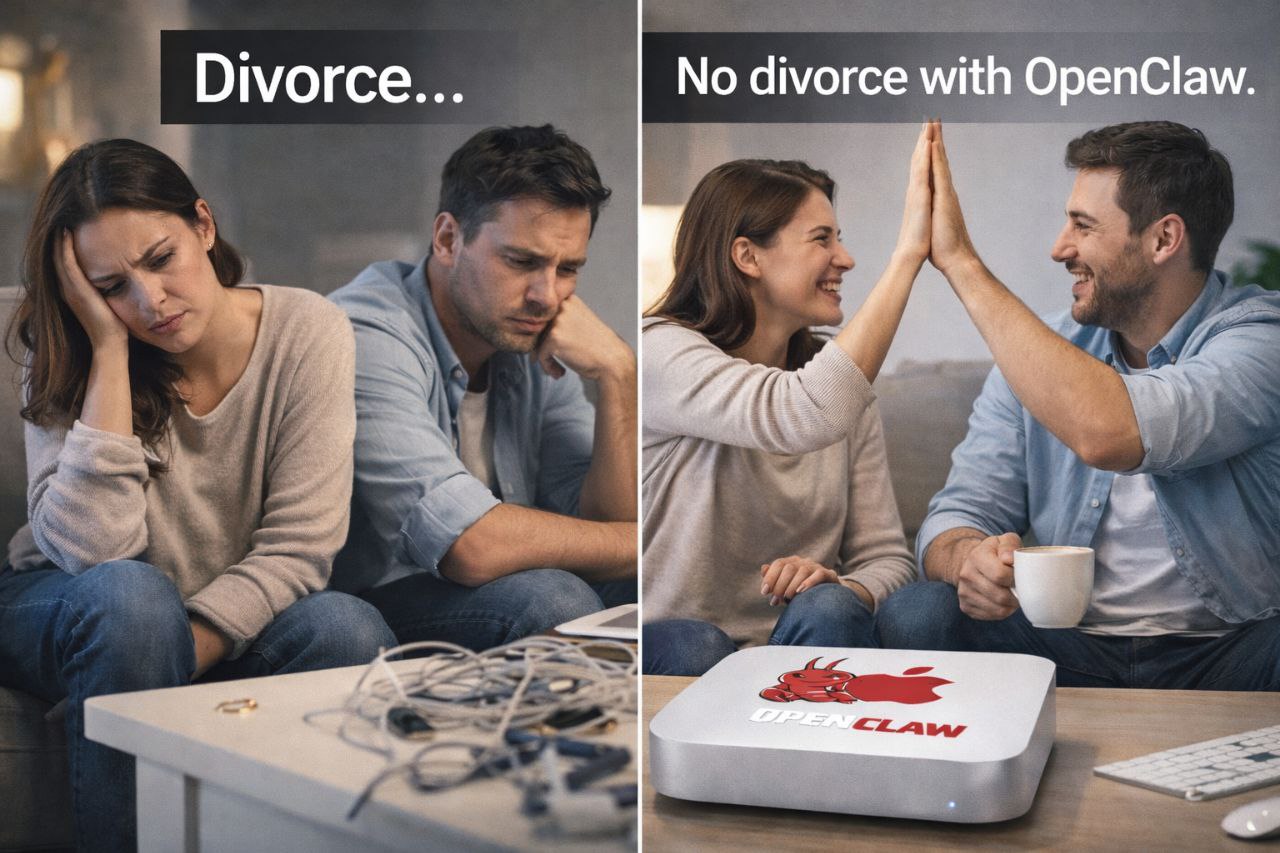
Divorce vs No Divorce with OpenClaw
DIY (YouTube + terminal)
OpenClaw Mac ✨
Time to working setup
2–10 hours (sometimes days)
60–90 minutes typical
Reliability
Varies
Verified + tested
Security boundaries
Often unclear
Safe folders + permissions audit
Workflow templates
Usually missing
Included + tailored
Support
None
Included (tier-based)

FAQ

Is this local AI or cloud AI?
Either. We can configure local models if your Mac supports it, or optimize a cloud setup for reliability and speed.
Will this slow down my Mac?
We tune resource usage and choose model settings that match your hardware. If local models are too heavy, we'll recommend cloud.
Do you need access to my files?
No. We help you define safe folders and permission boundaries. We don't copy or take your data.
What if an update breaks something?
Support is included based on your package. If something breaks, we troubleshoot and restore a stable configuration.
Do you support teams?
Yes. Team packages include shared templates, onboarding, and optional automation setup.
Are you affiliated with Apple?
No — we're an independent service focused on OpenClaw setup on Mac hardware.

Book your OpenClaw Mac install

Pick a package, grab a time slot, and we'll get you running.

We'll confirm your setup path (local vs cloud) based on your Mac and goals.